
Your YouTube videos, in podcast apps
Import your channel or playlist, and keep publishing on YouTube. Listenbox hosts your recordings and brings new episodes to listeners on Apple Podcasts, Spotify, and other podcast apps.
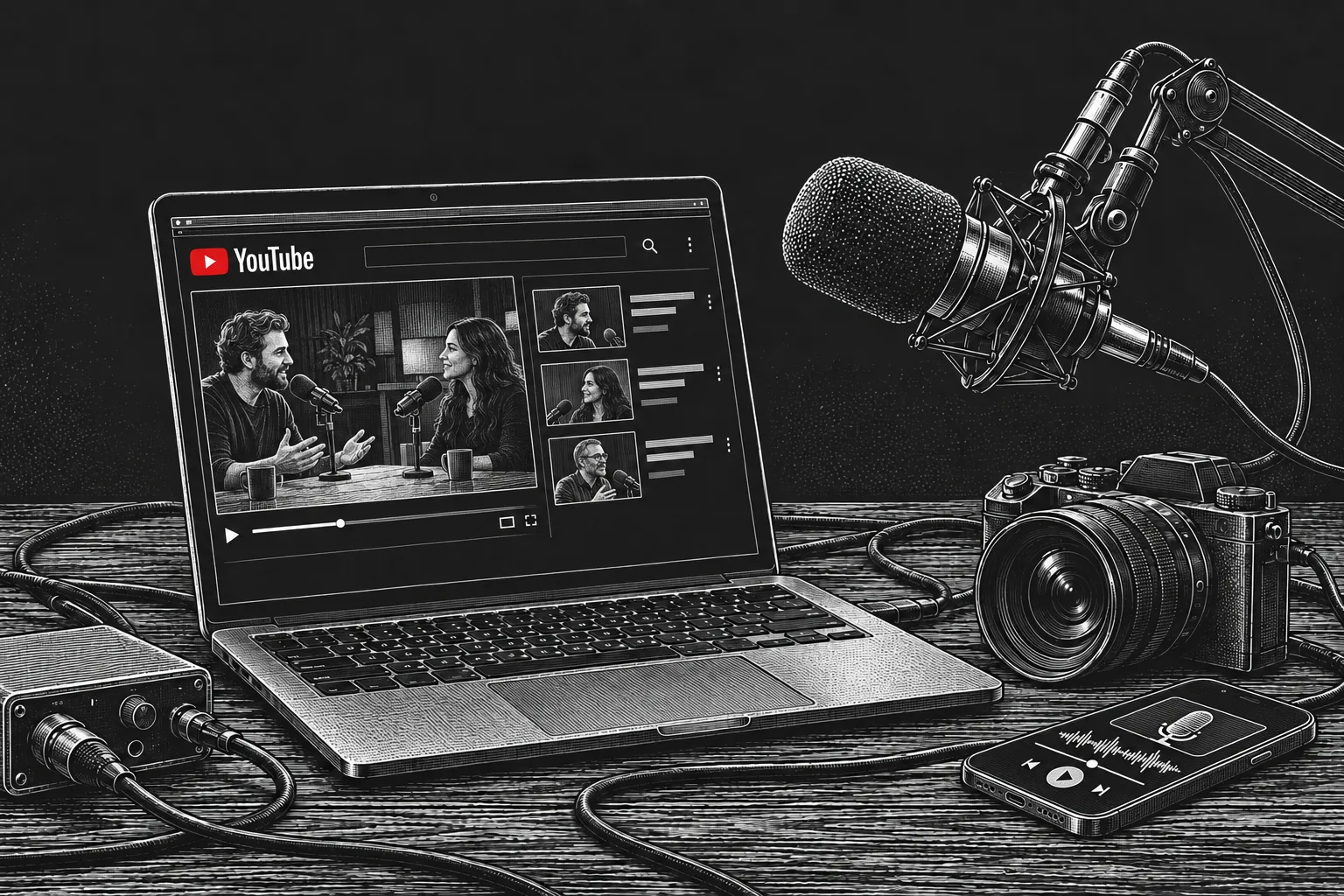
Keep publishing on YouTube. Reach podcast listeners.
- YouTube
- Spotify
- Apple Podcasts
- Pocket Casts
Can new YouTube episodes reach Apple Podcasts and Spotify automatically?
Yes. Listenbox automatically imports and publishes new recordings from your public channel or playlist while its desktop app runs on an awake, online computer. Submit your audio RSS feed to Apple Podcasts and Spotify once and complete each platform’s approval. Those apps then check the feed for new episodes. Your hosted episodes and feed stay available when your computer is off.
Link your channel or playlist
Bring in recordings you have the rights to publish, without downloading and uploading each file yourself. Choose audio, video, or both for your podcast audience.
Sync new recordings automatically
Keep uploading or livestreaming on YouTube. The desktop app checks hourly and publishes each recording as it finishes importing. Saved livestreams can be imported after they end and YouTube makes them available to play.
Submit your feed once
Submit your public audio RSS feed to Apple Podcasts, Spotify, and other podcast apps. After approval, newly published episodes reach those apps through the feed—no separate episode uploads or manual RSS editing.
Spotify uses your audio RSS feed; Apple Podcasts can also play video through a submitted video feed. Follow the YouTube import guide for installation, feed choices, and playback checks.
Choose where each episode starts
Keep publishing on YouTube, or upload original recordings to Listenbox. Both workflows use the same podcast, RSS feed, and existing directory listings.
See pricing- Keep publishing on YouTube
- Your linked channel or playlist supplies the recordings. New episodes import automatically while the desktop app is running on an awake, online computer. If your computer sleeps or goes offline, or you quit the app, imports wait until syncing resumes. You do not need to start every import manually.
- Upload original recordings to Listenbox
- Have the original files? Upload them to Listenbox and review your episode before publishing. A connected YouTube destination can upload it to your channel after your approval, without a running desktop app. Follow the publishing workflow guide to choose or change direction.
- Hosting in either workflow
- Listenbox hosts your published media and feeds, includes a website for your podcast, and tracks downloads. Manage episodes with your team in the dashboard, or use the API and CLI.
Hear a real podcast on Listenbox
Explore The Geneva Learning Foundation’s published episodes, browser player, and public audio RSS feed. Open an episode and listen without an account.
Explore the live podcast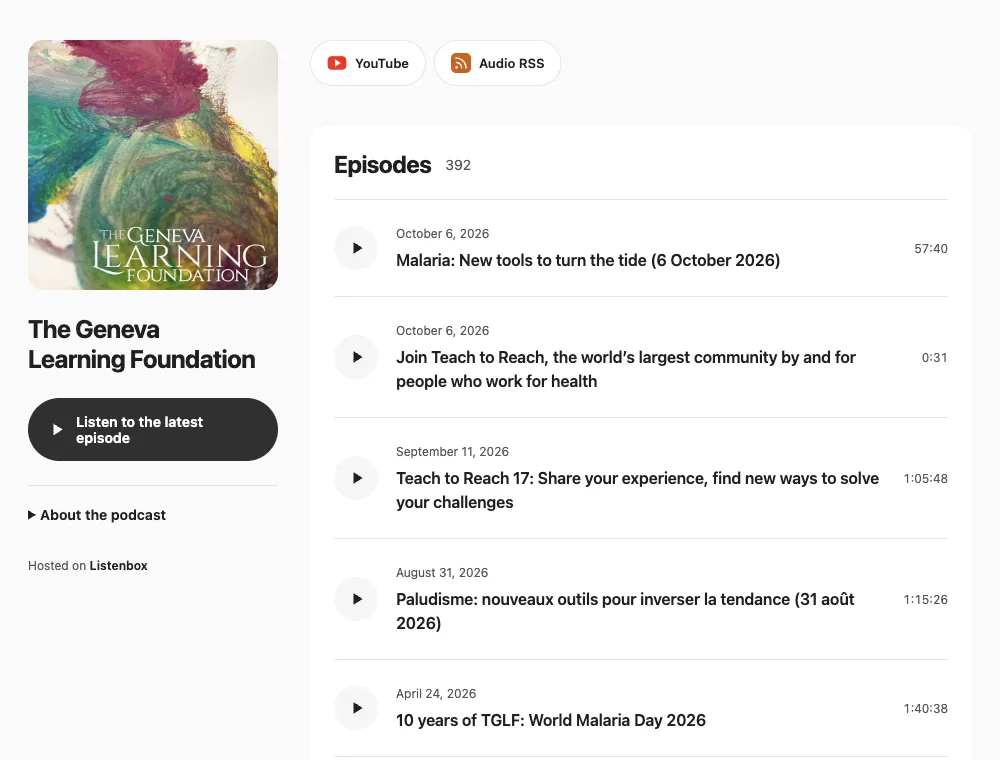
YouTube to podcast: your questions answered
Features as of .
Can I turn a YouTube playlist into an Apple Podcasts video podcast?
Does the hosting support byte-range requests?
Can I publish video as well as audio?
What if I want to check for a new recording sooner?
Which YouTube recordings can we import?
Here as a listener? Send this page to the creator you’d love to hear in your podcast app.
Your next YouTube episode can be a podcast, too
Link your channel or playlist, bring in your recordings, and keep new episodes coming through desktop sync.